 XXstory
Does Instagram Notify You When You Screenshot a Story?
No — Instagram does not notify the owner when you screenshot or screen-record a story, post, reel, profile, or highlight. The real exception is disappearing DM media sent with View Once or Allow Replay.
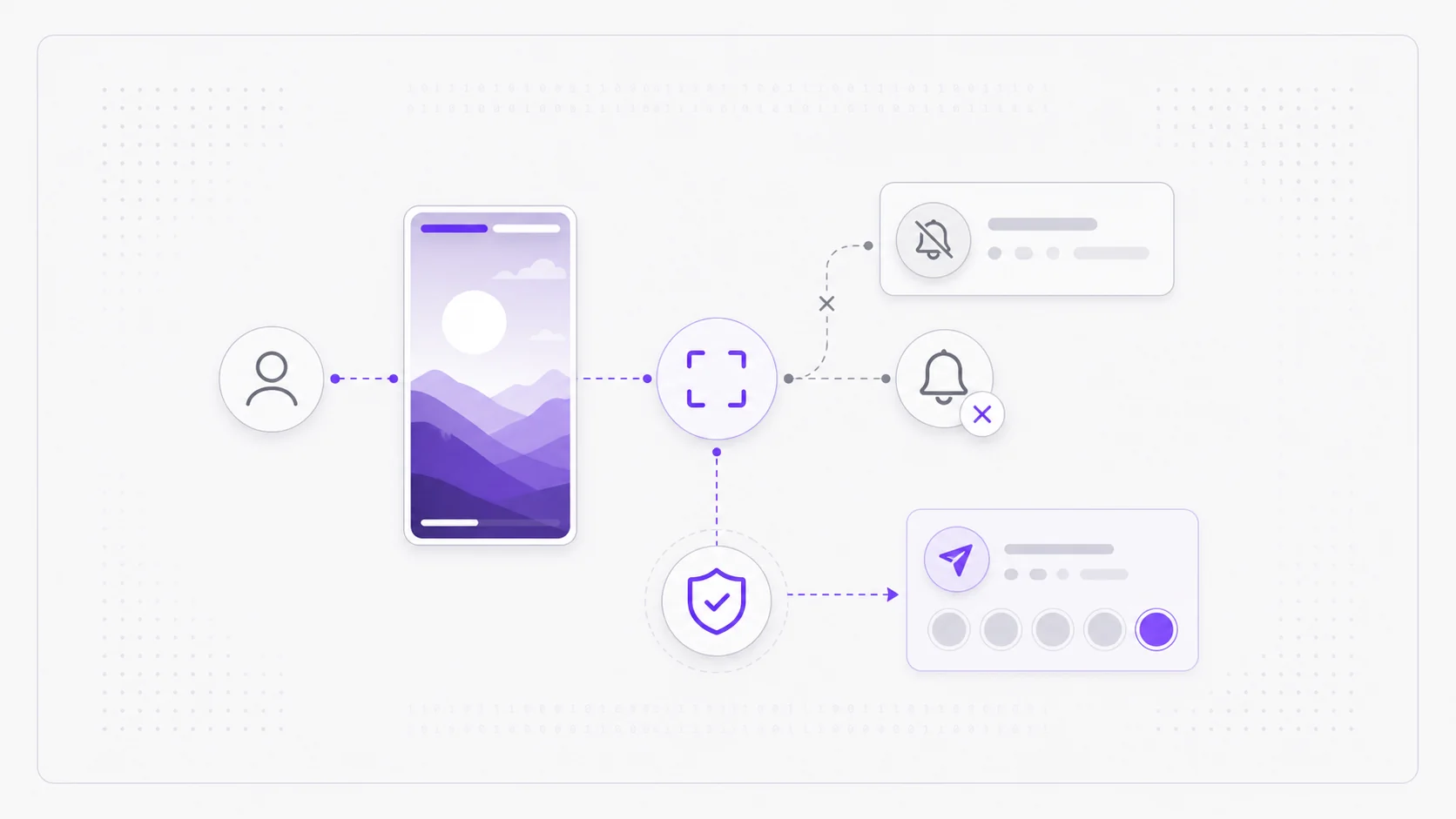
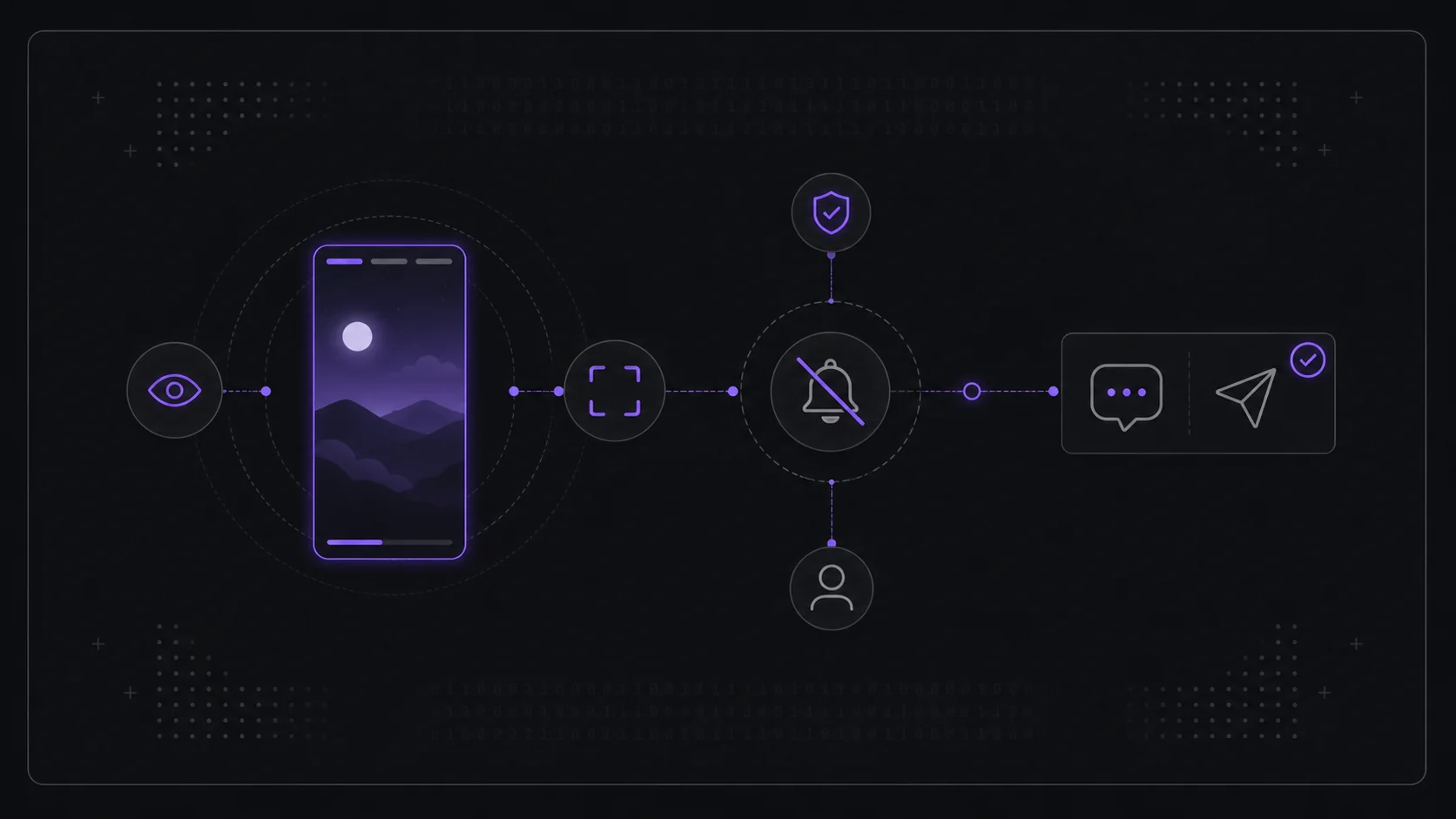
Short answer: No. Instagram does not send the owner a notification when you screenshot or screen-record their story — public or private. It also does not notify for normal post, reel, profile, or highlight screenshots. The company briefly tested a story screenshot alert back in 2018 and removed it, and that behavior still holds today. The one genuine exception has nothing to do with stories: disappearing photos and videos sent in a direct message with View Once or Allow Replay do notify the sender if you capture them.
Because this rumor resurfaces constantly, here's exactly where the line sits — and how it differs from the separate question of being seen in the viewer list.
Does a story screenshot alert the person?
No. Capturing a normal story — by screenshot or screen recording — produces no alert, no badge, and no entry anywhere the owner can see. This is true whether the account is public or private and whether you're a follower or not. The 2018 experiment that flagged screenshotters was rolled back, and Instagram has not reinstated it.
What an owner can see is unrelated to screenshots: it's the viewer list, which records who watched the story while logged in. Screenshotting doesn't add anything extra to that list. If your real concern is showing up in that list at all, that's a different mechanism — start with can someone see I viewed their Instagram story, then use viewing stories anonymously for the no-login case.
Stories, posts, reels, profiles, and highlights
Most search results blur several Instagram surfaces together, so here is the clean rule: normal screenshots are not reported on public stories, private stories you are allowed to view, Highlights, posts, reels, profiles, comments, or profile pictures. You may leave other signals, like a story view from your logged-in account, a like, a reply, or a DM reaction, but the screenshot itself does not create a separate alert.
That means questions like "can you see who screenshots your Instagram stories" and "does Instagram notify screenshots" have the same practical answer for normal stories: no, the owner cannot see a screenshotter list.
The same principle governs passive viewing on other surfaces. Instagram reports post and reel views as counts without identities, covered in can you see who viewed your Instagram post, and it never reports profile visitors at all, covered in can you see who views your Instagram profile.
Where Instagram does notify: View Once DMs
The exception lives in direct messages, not stories. When someone sends a photo or video in a DM using View Once or Allow Replay, Instagram treats it as private and disappearing — and it will tell the sender if you screenshot or screen-record it. That notification is specific to those vanishing DM media, and it's the source of most of the confusion: people experience the DM alert and assume stories work the same way. They don't.
| Action | Owner notified? |
|---|---|
| Screenshot a public story | No |
| Screenshot a private story (as a follower) | No |
| Screen-record a story | No |
| Screenshot a Highlight | No |
| Screenshot a regular post or reel | No |
| Screenshot a profile or profile picture | No |
| Screenshot a View Once DM photo/video | Yes |
Does using a story viewer change this?
No — and it adds a second layer of privacy on the viewing side. When you watch a public story through a server-based story viewer, your account isn't even attached to the view, so there's no viewer-list entry to begin with. Whatever you then do with what's on your screen, including capturing it, still generates no story screenshot notification. The two things are independent: screenshots are never reported for stories, and server-relayed viewing keeps you out of the viewer list.
Frequently asked questions
Will someone know if I screen-record their Instagram story? No. Screen recording a story is treated the same as a screenshot — no notification is sent for stories, only for View Once DM media.
Did Instagram ever notify screenshots of stories? Briefly, during a 2018 test, then it was removed. Since then normal story screenshots have not been reported to the owner.
Does Instagram notify when you screenshot a story in 2026? No. As of 2026, normal story screenshots and screen recordings do not send the owner a notification.
Does Instagram notify when you screenshot a story highlight? No. Highlights are saved stories, but normal highlight screenshots do not send a notification either.
Can you see who screenshots your Instagram stories? No. Instagram does not give story owners a screenshotter list. The owner can see logged-in story viewers, not who captured the screen.
Does Instagram notify when you screenshot a post, reel, or profile? No. Normal posts, reels, profile pages, profile pictures, comments, and Highlights do not send screenshot notifications. The exception is disappearing DM media, not feed or story content.
Does Instagram notify when you screenshot a Close Friends story? No for screenshots. A Close Friends story can still show your account in the viewer list if you watched while logged in, but the screenshot itself does not create a separate alert.
Does screenshotting put me in the viewer list? No. The viewer list records views made while logged in, not screenshots. How you avoid the list entirely is covered in viewing stories anonymously.
If you'd rather preview a public account's active stories without your account being attached to the view in the first place, open the anonymous IG story viewer and enter a public username.