 XXstory
How Do Instagram Stories Work? 24-Hour Lifecycle and Limits
How do Instagram Stories work? Learn the 24-hour lifecycle, story order, expiry, Highlights, Close Friends limits, viewer-list boundaries, and what a public story viewer can show.
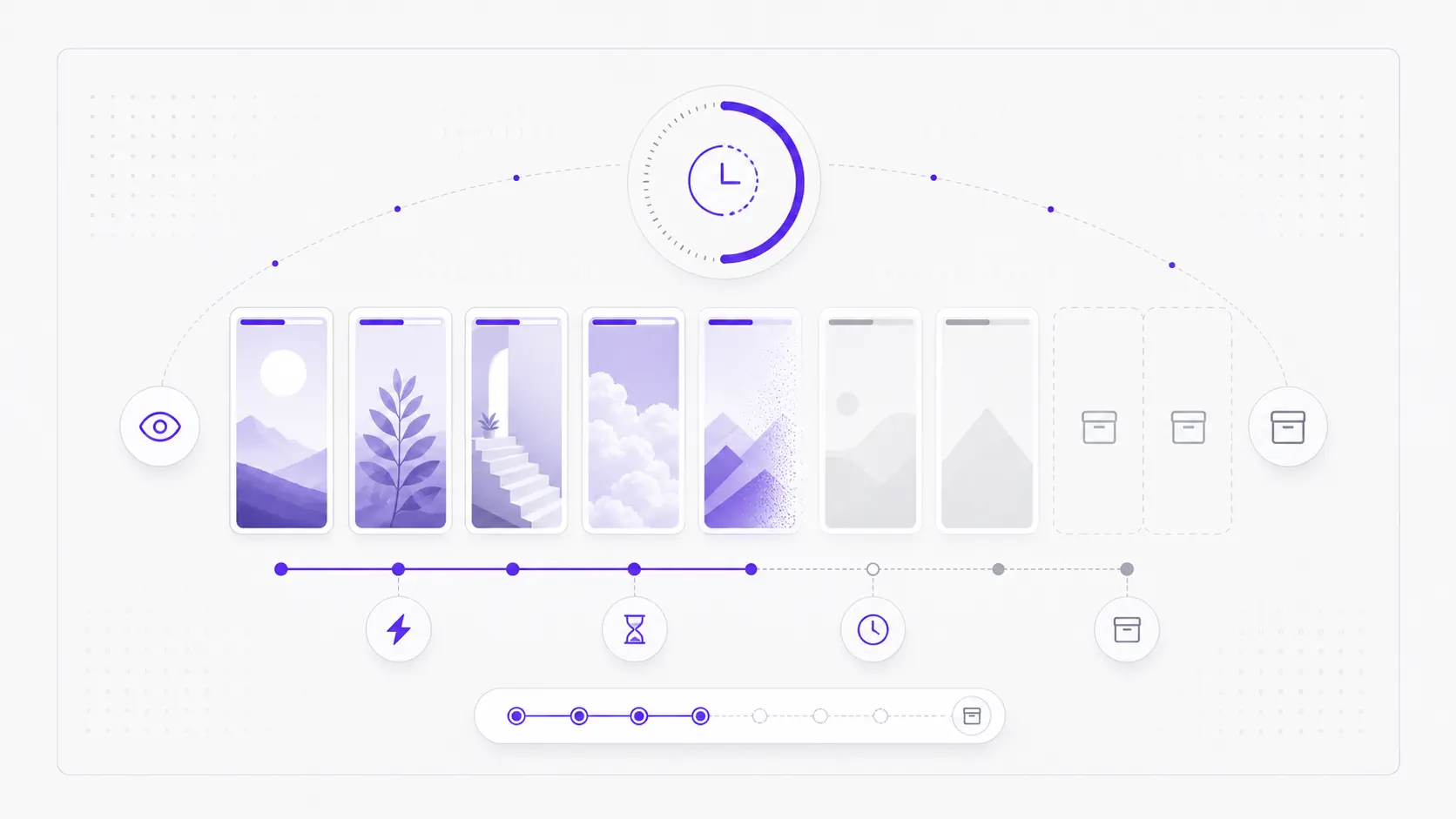
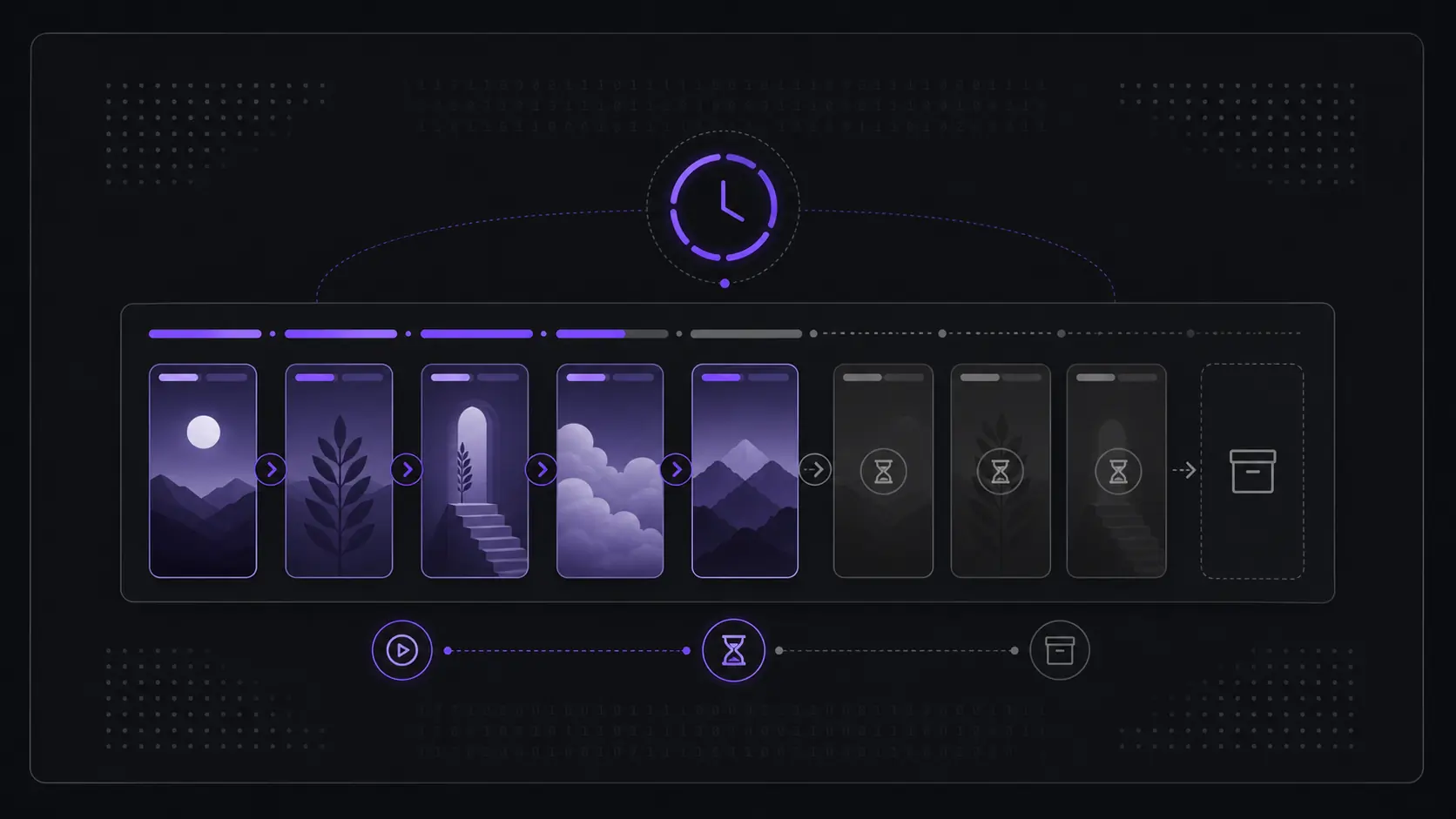
Short answer: Instagram Stories are temporary photos or videos that stay visible for 24 hours from the moment each item is posted, then leave the public story feed automatically. While live, a profile's stories play oldest to newest. The only way a story outlasts that window is if the owner saves it to a Highlight.
To use any story viewer well, it helps to understand the thing you're viewing. Stories follow a few consistent rules, and once they click into place, most "why can't I see this?" questions answer themselves.
This page owns the lifecycle question: how do Instagram Stories work? If your question is who can see that you viewed a story, use can someone see I viewed their Instagram story. If a story should be visible but will not load, use Instagram Story Viewer not working. If you are comparing active stories with saved Highlights and the owner's private archive, use Instagram stories vs Highlights vs Archive.
How long does an Instagram story last?
A story is live for 24 hours from the moment it's posted, then it leaves the public feed automatically. This is the single most important fact about stories: they are temporary by design. The 24-hour clock runs per story, not per profile — each item posted starts its own countdown, so a profile that posts throughout the day has stories expiring at staggered times rather than all at once.
After a story's window closes, it's gone from public view. No viewer, logged-out browser, or refresh brings it back. This is also why a viewer only ever shows active stories: "recent" simply means whatever fits inside that rolling 24-hour window. If you load a profile at 3 p.m. and a story was posted at 4 p.m. the previous day, that story has already dropped out — even though it feels like it was "yesterday."
The story lifecycle in one table
| Stage | What happens | Public viewer result |
|---|---|---|
| Posted by a public account | The story enters the active 24-hour window | Visible while it is live |
| Multiple story clips are active | Clips play in the order posted | Oldest to newest sequence |
| 24 hours pass for one clip | That clip leaves the public story feed | No longer available |
| Owner saves it to a Highlight | The clip becomes pinned profile content | Visible from Highlights on a public profile |
| Owner keeps it only in Archive | The copy is private to the owner | Not available to the public |
| Story is Close Friends or private | Instagram never serves it publicly | Not available to a general viewer |
That table is the practical answer to "how do Instagram Stories work" for viewers: a public viewer can show the live public window and public Highlights, but it cannot recover expired stories, open private stories, read Close Friends content, or expose owner-only analytics.
What order do Instagram stories appear in?
When a profile has multiple active stories, they play in the order they were posted — oldest to newest — as one short sequence. A viewer presents the same sequence you'd tap through in the app. This is a fixed, chronological order for stories from a single account; it is not reshuffled by an algorithm the way the home feed or the row of story circles can be.
So if someone posts a three-part update across an afternoon, you'll see part one first and the latest clip last, regardless of when you open it. Each clip plays for a few seconds (photos auto-advance; videos run their length up to the per-clip cap), then the sequence moves to the next item until it reaches the end of that profile's active stories.
What happens to a story after 24 hours?
When the 24-hour window closes, the story is removed from the public feed and can no longer be viewed by anyone who isn't the owner. From the public's side, expiry is final: there's no "expired stories" tab a visitor can open. The content effectively no longer exists as far as a viewer, a non-follower, or a logged-out browser is concerned.
The owner has private options the public doesn't share. Instagram can keep an owner's expired stories in a personal archive that only the account holder sees, and the owner may save a story to their device or pin it as a Highlight before or after it expires. None of those owner-side copies are publicly viewable unless the owner deliberately republishes them — for example, by adding the clip to a Highlight.
Can the public see story replays or replies?
No. Replays, view counts, reply messages, and the list of who watched a story are owner-only information. When the public watches a story through any viewer, none of that two-way data is exposed to them, and watching public content this way does not send the owner a story-view notification the way the in-app experience does for some interactions. For a deeper breakdown of which actions notify an account and which don't, the privacy mechanics deserve their own read, but the headline is simple: viewing a public story is a read-only act.
A "replay" in everyday terms just means watching the same active story again before it expires — which anyone can do as long as the story is still inside its 24-hour window. Once it expires, there's nothing left to replay publicly.
Replays matter for the numbers, though. Instagram counts a rewatch as another view but not as another viewer, which is why an owner's view count can sit well above the number of names in their list — the two metrics are defined and compared in Instagram story views vs viewers.
If you searched for "how do Instagram story views work," that is a related but different intent. Story lifecycle is about when the content exists. Story views are about what the owner can see after someone watches. Keep that separate in can someone see I viewed their Instagram story and do anonymous Instagram story viewers show up.
What's the difference between a story and a Highlight?
The one way a story outlives 24 hours is if the owner saves it to a Highlight. Highlights are deliberately archived stories pinned to the profile as labeled circles below the bio, so they remain visible until the owner removes them. That's why Highlights can show content from weeks or months ago, while active stories can't reach back past yesterday. For how stories, Highlights, and the owner's private archive differ, see Instagram stories vs Highlights vs Archive.
Here's the practical contrast:
| Active story | Highlight | |
|---|---|---|
| Lifespan | 24 hours, then gone | Until the owner removes it |
| Order | Oldest to newest, fixed | Grouped by the owner into named sets |
| Reachable after a day | No | Yes |
| Public visibility (public account) | Yes, while live | Yes, indefinitely |
| Who controls it | Auto-expires | Owner pins and edits manually |
For the full mechanics of the permanent side, see what Instagram Story Highlights are and how long they last.
Who can see a public account's stories?
On a public account, active stories are visible to anyone — followers, non-followers, and logged-out visitors alike — for the 24 hours they're live. There's no "approved follower" gate on a public profile's stories the way there is on a private one. A viewer reflects exactly this: it shows what a public profile is already broadcasting to everyone, nothing more.
Two account-controlled limits are worth knowing because they're commonly misread:
- Close Friends stories (the green-ring stories) are restricted to a list the owner hand-picks. They are never public, even on a public account, and won't appear in any general viewer.
- Hidden-from / muted settings work in both directions. An owner can hide their story from specific accounts, and a viewer can mute someone else's stories so they stop surfacing — but muting is a personal display choice and doesn't change what's technically public.
Common misconceptions about stories
A few ideas circulate that don't match how stories actually behave. Clearing them up makes the whole lifecycle predictable:
- "Expired stories are just hidden and can be recovered." For the public, no. Expiry removes the story from public view permanently; only the owner keeps any copy, and only if they archived or saved it.
- "Stories play in a smart, algorithmic order." For a single profile's active stories, no — they're strictly chronological, oldest to newest.
- "Watching a public story is anonymous to the platform but secret-proof." Viewing public content is read-only and doesn't expose owner-side analytics to you, but stories are still owner-controlled content; the owner sets what's public in the first place.
- "Highlights and stories are the same thing." They share a format but follow opposite lifespans — temporary versus permanent-by-choice.
What this means for viewing
Putting it together:
- See something now → it's within the 24-hour window.
- Missed it → unless it was saved to a Highlight, it's gone.
- Want older saved content → look at Highlights, not active stories.
- Don't see it at all → it may be a private account, a Close Friends story, or already expired.
Stories reward timing. A viewer shows the public, active window — the rest is up to whether the owner archived it.
FAQ
Do Instagram stories really delete after exactly 24 hours? Yes. Each story leaves the public feed 24 hours after it was posted. The timer is per story, so different clips from the same profile expire at different times.
Can I see an Instagram story after it expires? Not from the public side. Once a story's 24 hours are up, it's removed from public view for good. The only lasting public version is one the owner saved to a Highlight.
Do Instagram Stories show in chronological order? For one profile's active story sequence, yes. The clips play oldest to newest. The story row in the Instagram app can be personalized, but the clips inside one profile's story sequence keep their posted order.
Why do stories appear in a fixed order? A single profile's active stories always play oldest to newest as one sequence. That order isn't algorithmically rearranged, which is why a viewer shows the same run you'd tap through in the app.
Are Close Friends stories ever public? No. Close Friends stories go only to a list the owner picks, even on an otherwise public account, and never appear in a general viewer.
Can an Instagram Story viewer show the owner's archive? No. The archive is private to the account owner. A public viewer can only show active public stories and public Highlights the owner deliberately kept visible.
Does viewing a public story notify the account or count as following them? Viewing public content is read-only — it doesn't require following the account, and it doesn't hand you the owner-only view list. The owner controls what's public; you're simply seeing what they've already made visible.
Knowing the lifecycle makes the tool predictable. Open the IG story viewer to see what's currently live on a public profile.