 XXstory
Why Can't I See Someone's Instagram Story?
Can't see an Instagram story? Diagnose expired stories, muted story rings, Close Friends, private accounts, Hide Story From settings, blocked profiles, and app glitches without confusing them with viewer-tool errors.
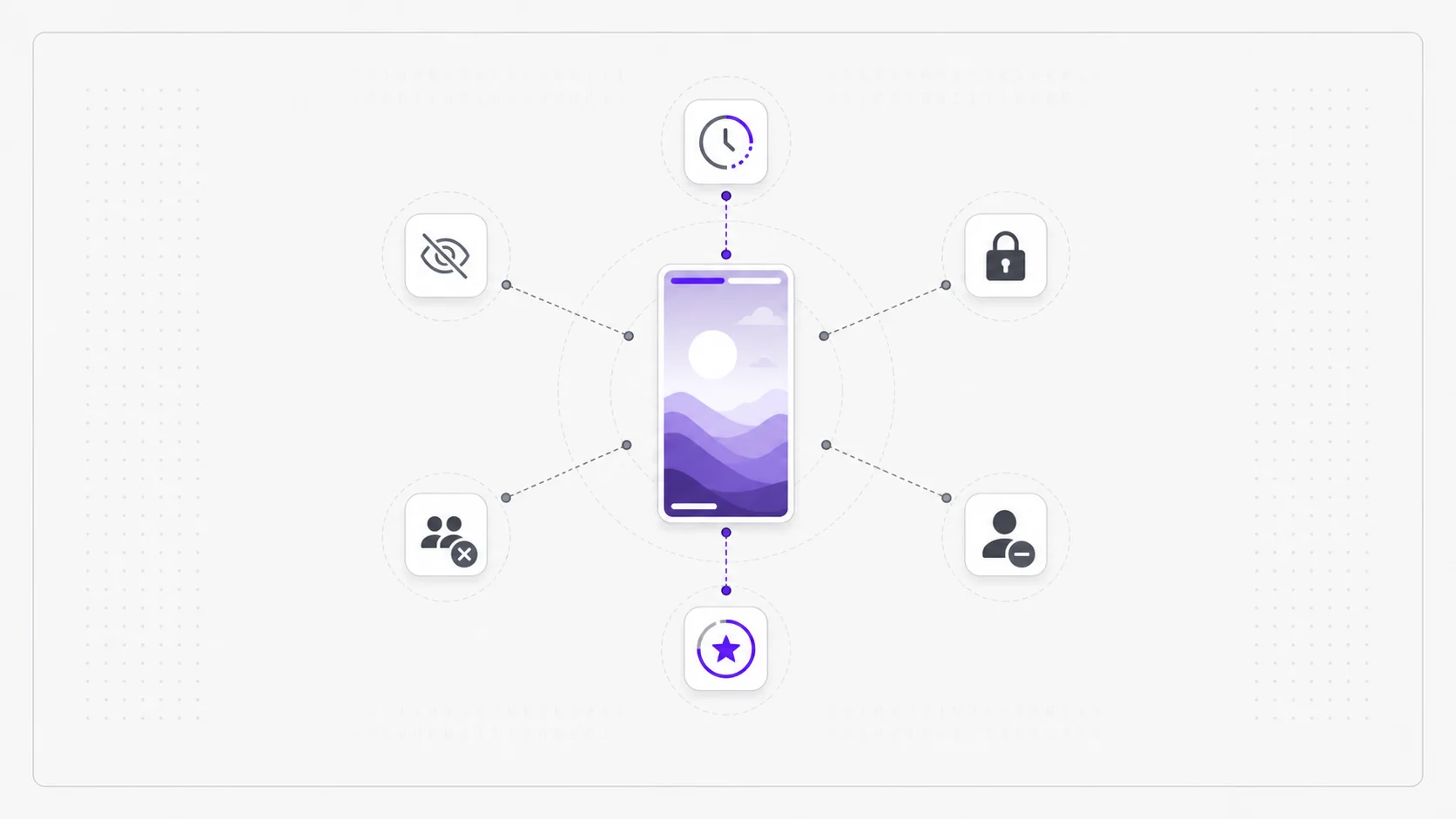
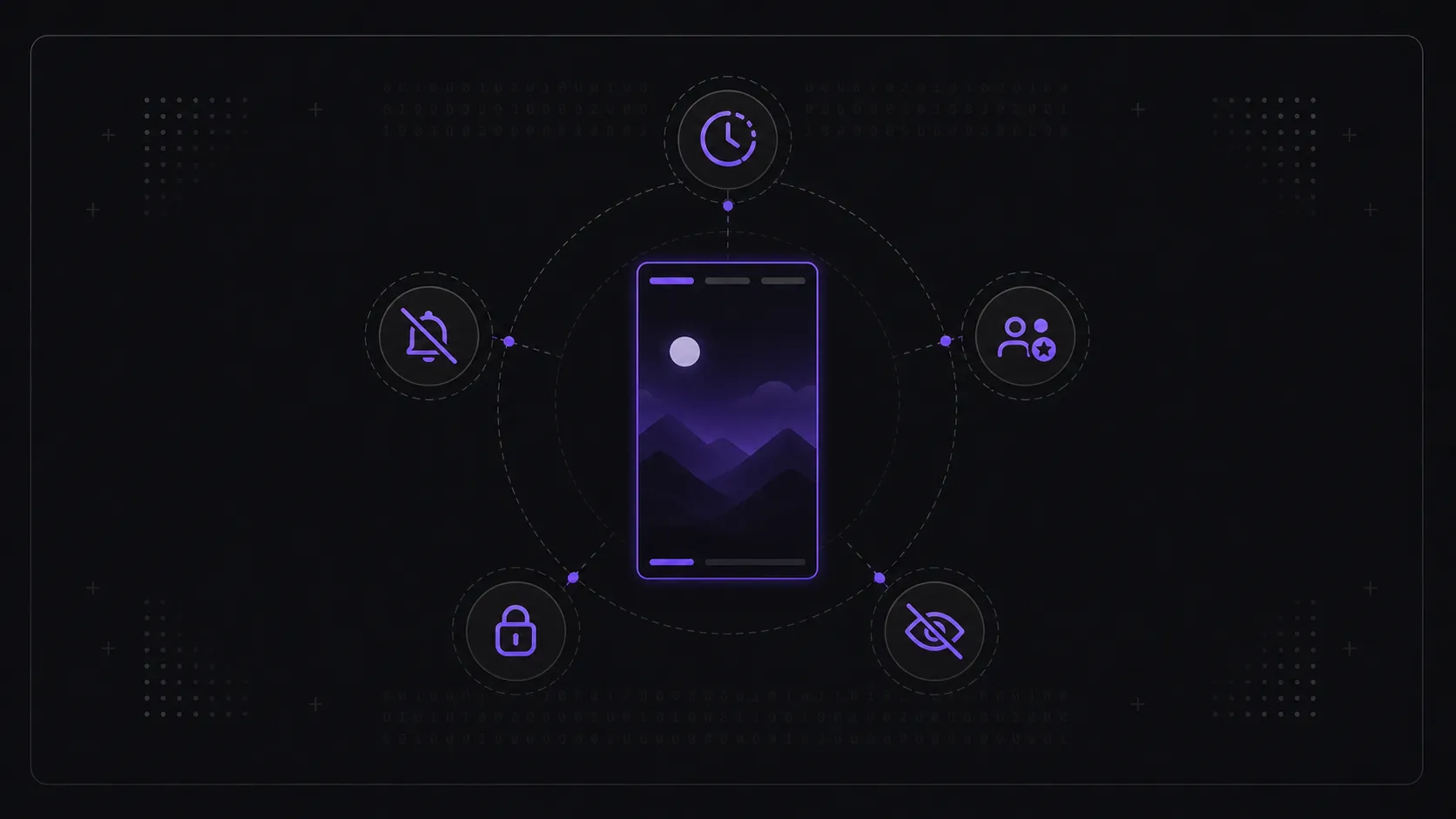
Short answer: If someone posted a story but you can't see it, it's almost always one of five things: the story expired (stories last only 24 hours), you've muted their stories, they posted only to their Close Friends list, the account is private and you don't follow it, or they've added you to their "Hide Story From" list. If every account's stories disappear at once, then it may be an Instagram app/cache issue instead of a permission issue.
This page owns one troubleshooting intent: why can't I see someone's Instagram story? For a viewer tool that fails on every public username, use Instagram Story Viewer not working. For the private-account boundary, use can you view a private Instagram story without following. For the 24-hour lifecycle itself, use how Instagram stories work.
Let's rule them out from most to least common.
Quick answer matrix
| Symptom | Most likely reason | What to do |
|---|---|---|
| You saw the story yesterday but not today | Expired after 24 hours | Check Highlights or wait for a new story |
| Their story ring is grey and pushed to the end | You muted their stories | Unmute stories from their profile or story ring |
| Other friends can see it, you cannot | Close Friends or Hide Story From | Nothing to fix on your side |
| Profile shows a lock or follow request | Private account | Follow and wait for approval |
| Public account has no ring | No active story right now | Check again later or look for Highlights |
| All stories fail across Instagram | App/cache/outage issue | Update, clear cache, switch network, or wait |
1. The story already expired
Stories are live for 24 hours, then they leave the public feed for good. The most common reason a story "isn't there" is simply that its window closed before you looked. If someone posted at 4 p.m. yesterday and you check at 5 p.m. today, it's already gone — and no refresh brings it back. The only content that outlasts 24 hours is a saved Highlight. The full timing rules are in how Instagram stories work.
2. You muted their stories
Muting is easy to do by accident, and a muted account's story ring moves to the far end of your story bar and turns grey — so it looks like there's no story when there is. Check their profile, your muted accounts list, or long-press their story ring if it still appears, then turn story mute off.
3. They posted to Close Friends only
If the story went out to the owner's Close Friends list and you're not on it, you won't see it at all — and there's no indicator on your end that one exists. This is deliberate and private to the owner; it isn't a glitch and there's nothing to fix.
Because a Close Friends story stays restricted even on a fully public account, this is the one reason on this list that no tool can ever work around. The full boundary is explained in can you see someone's Close Friends story.
4. The account is private and you don't follow it
A private account only serves stories to approved followers. If you don't follow them (or your request is still pending), their stories are never delivered to you — not in the app, and not through any tool. The honest path is to follow and be approved; the reasoning is in can you view a private Instagram story without following. If you're not sure how visibility works, use the live public vs private Instagram stories guide.
5. They hid their story from you
Owners can add specific accounts to a "Hide Story From" list. If you're on it, their stories simply never appear for you, even though you follow them and others can see them. Like Close Friends, there's no notification — it's a private setting on their side.
The important distinction is that hiding a story from someone is not the same as blocking the account. You may still see the profile, posts, reels, or messages while that person's story remains unavailable to you.
6. You are blocked, restricted, or looking at a renamed account
If the entire profile is gone, the username no longer resolves, or you only see a blank/error state, the issue may be broader than stories. The account could have blocked you, changed usernames, deactivated, or been removed. A private account usually still loads with a lock or follow request; a missing profile is a different signal.
Quick diagnosis table
| What you notice | Most likely cause | Fix |
|---|---|---|
| Their ring is grey, at the end of the bar | You muted them | Unmute |
| No ring at all, account is public | Story expired (or none active) | Wait for a new one |
| Lock icon, "This account is private" | You don't follow them | Send a follow request |
| Others see it, you never do | Close Friends or Hide-From list | Nothing you can change |
| Story loads for a second then fails | App/cache glitch | See the fixes below |
| Profile no longer loads | Blocked, renamed, deactivated, or removed | Check the username from another non-logged-in browser |
What if it's a public account and still won't load?
Then it's probably technical, not a permission issue — a cache hiccup, a stale session, or a temporary outage. Those have their own checklist in Instagram story viewer not working: common fixes.
Frequently asked questions
Can I tell if someone hid their story from me specifically? No. Both Close Friends and the "Hide Story From" list are private to the owner, with no indicator on your side — which is by design.
Why can't I see someone's Instagram story but others can? The most likely reasons are Close Friends, Hide Story From, or a personal account state such as mute/block. If others can see the story and you cannot, it is usually not a public viewer outage.
If the account is public, why might I still see no story? Because there may be no active story right now. A public profile with nothing in its 24-hour window simply has nothing to show; that's not the same as being blocked.
Can muting someone hide their story from me? Yes. Muting does not remove the account, but it pushes their story ring away from the normal front of the tray. Unmute their stories from the profile, muted accounts list, or story ring if it appears.
Does "This story is unavailable" mean I was blocked? Not always. It can mean the story expired, was deleted, was shared only to a list you are not on, or failed because of an app/cache issue. Treat blocking as one possibility, not the default.
Does a story viewer help me see a story I'm muted from? For a public account, yes — a viewer shows the active story regardless of your personal mute setting, since it isn't tied to your account. For a private account, no method works.
If the profile is public and you just want to check its current stories cleanly, open the Instagram Story Viewer and enter the username.